Work / Website and CRM
Omar Méndez peluqueros
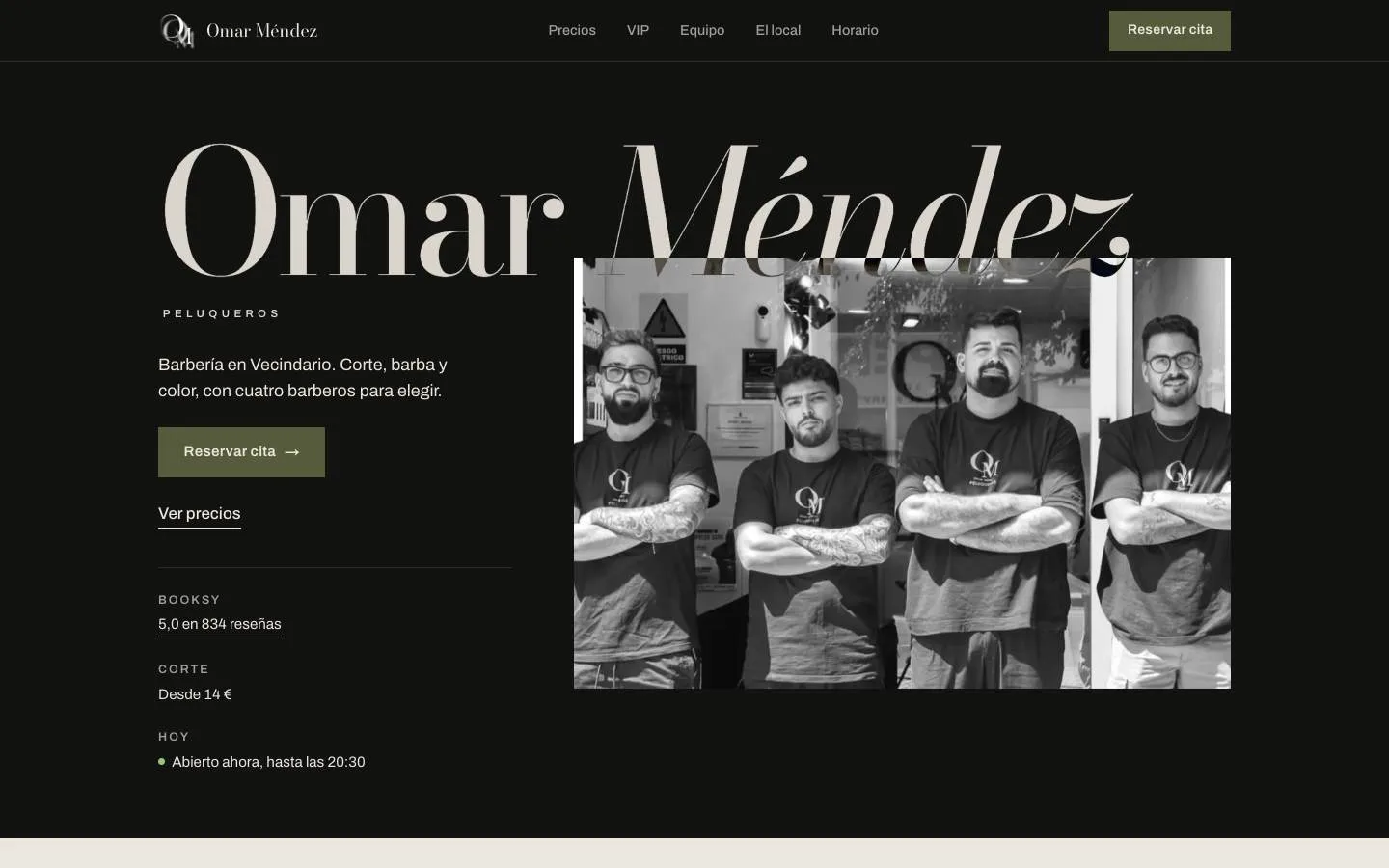
A barbershop in Spain with several barbers. We built its public website and a management system for the shop's day-to-day running.
Visit the websiteomarmendezpeluqueros.es
The starting point
Appointments were already booked through Booksy. We chose not to duplicate or sync that diary: the website links to Booksy for bookings.
The management system covers the rest of the shop's day-to-day: the till, customers, the team, clock-in, expenses and what goes to the accountant.
What we built
The barbershop's website
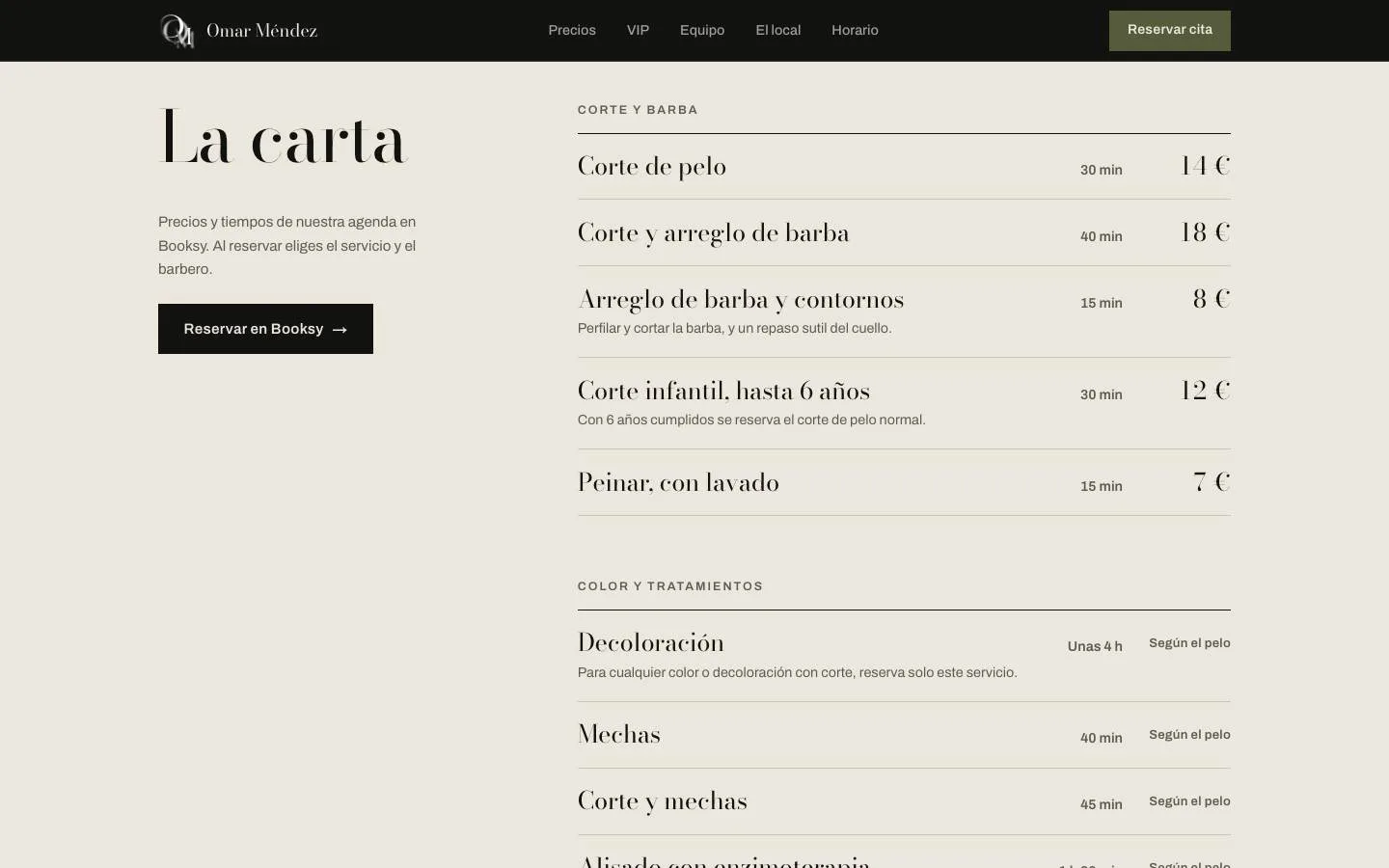
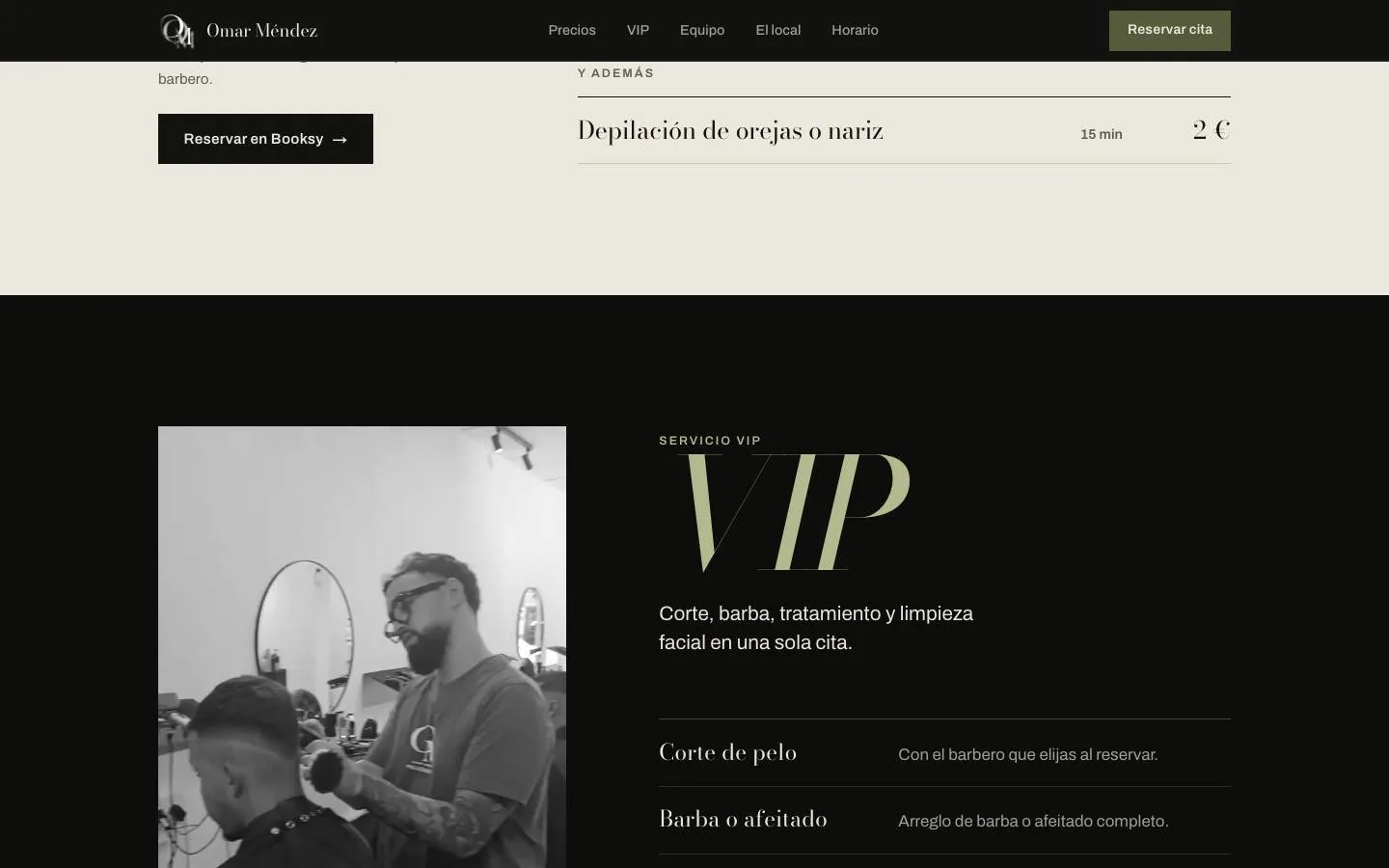
A public website with the price list, the team, the VIP service and opening hours, linked to Booksy for appointments.
A management system
A system of its own for the shop's day-to-day. It's built on the core of the system we made for Shadila Sánchez, adapted to a barbershop with several barbers.
What the system includes
Till
Sales, receipts, cash count and end-of-day close, with a history.
Customers and catalogue
Customers, a catalogue of services and products, and stock control.
Team
Sales attributed to each barber, holidays and a ‘my numbers’ view.
Clock-in
Staff clock-in, with PDF and CSV export.
Expenses and reports
Expenses, reports and an export for the accountant.
Notices and emails
Automatic notices and emails, such as the till report.
Inside the system
Demo data
These are the system's real screens, running on an isolated copy with made-up data. The interface is in Spanish.
The team, customers, sales and amounts aren't the shop's: the live system runs on its own data, and that isn't shown.
01 Taking payment
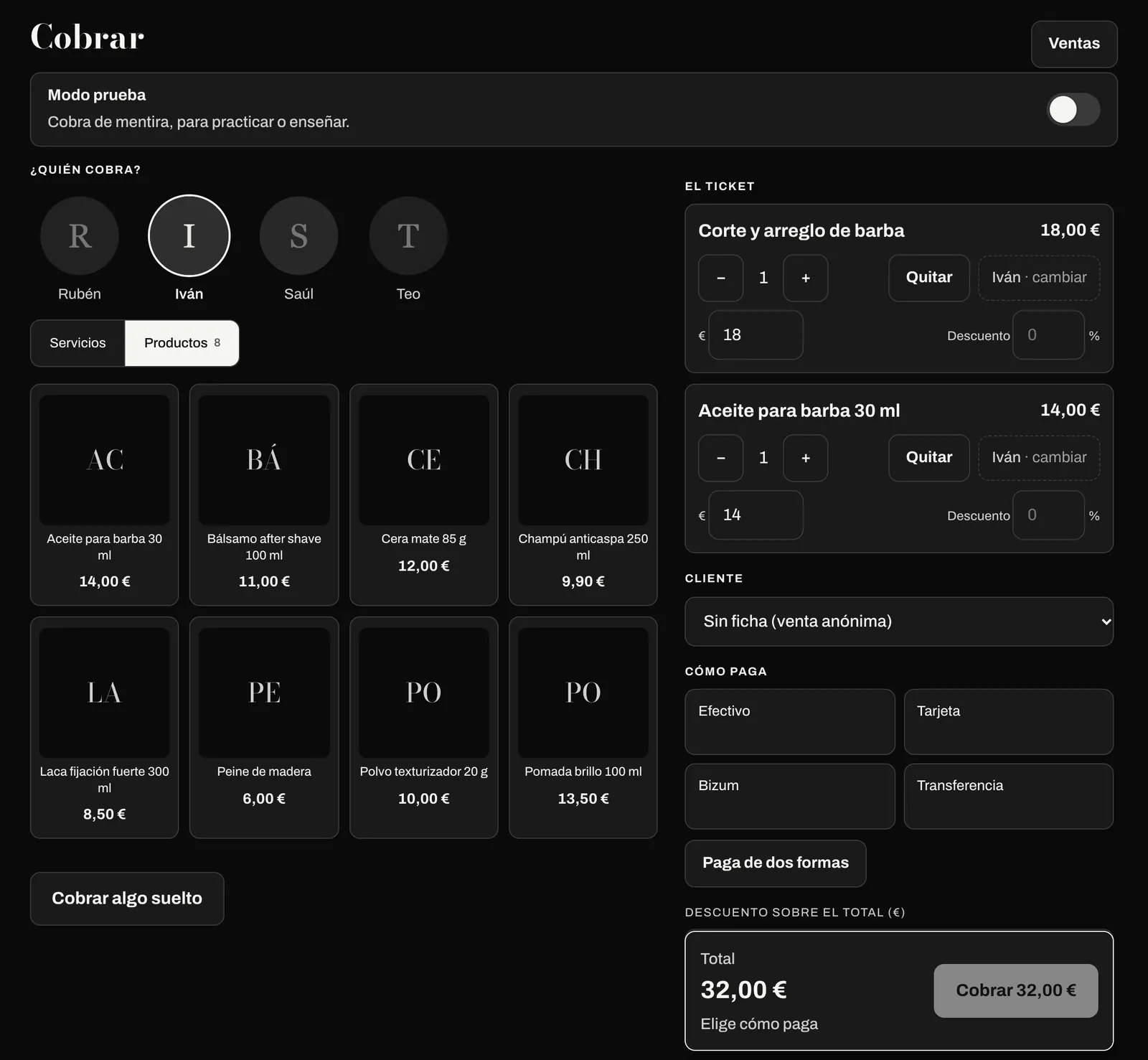
The point of sale. Pick who's taking the payment and tap the services and products: each line of the receipt is attributed to that barber.
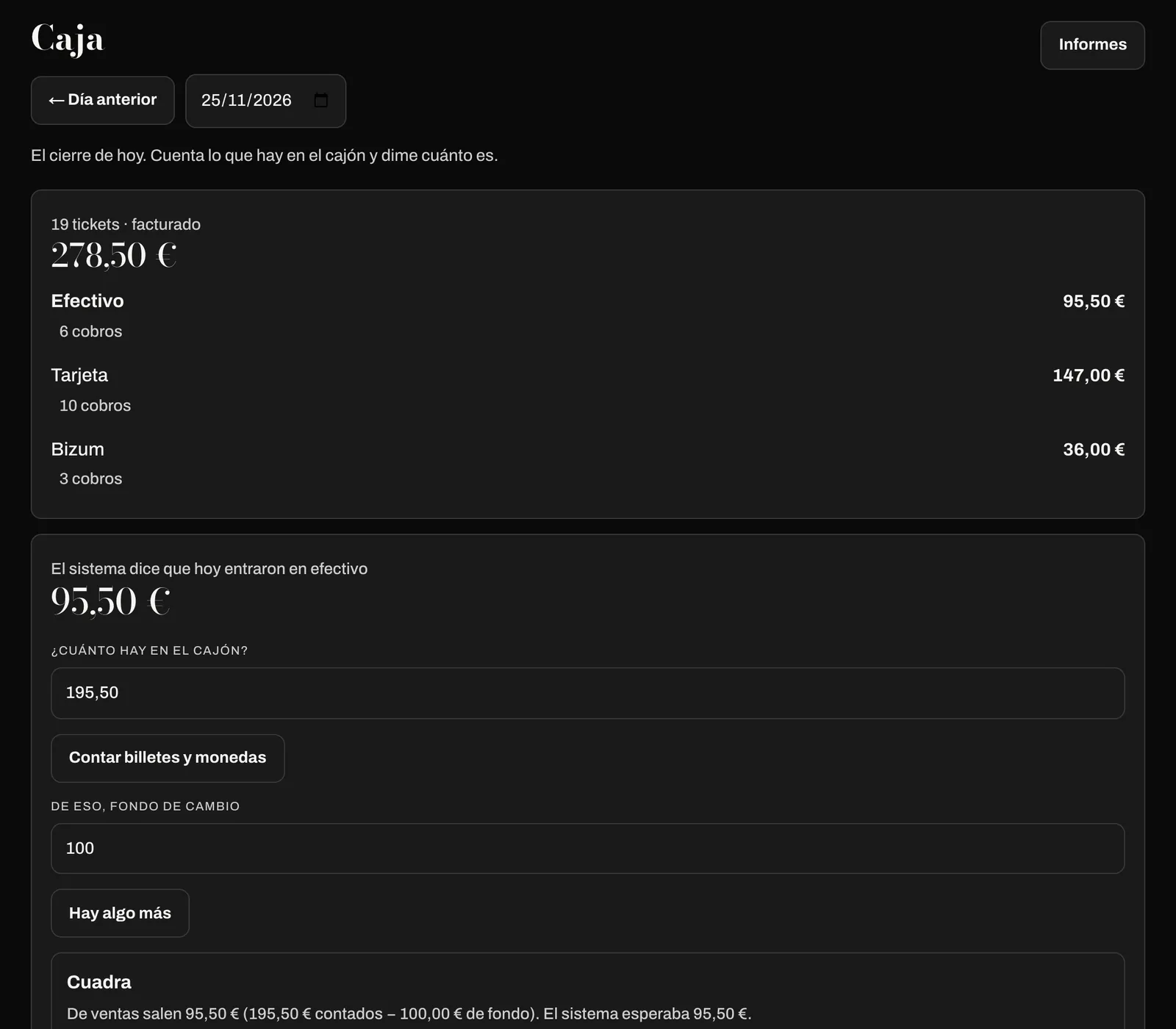
02 Cash count
The end-of-day count: takings by payment method, the cash that should be in the drawer and what was counted. Previous closes are kept.
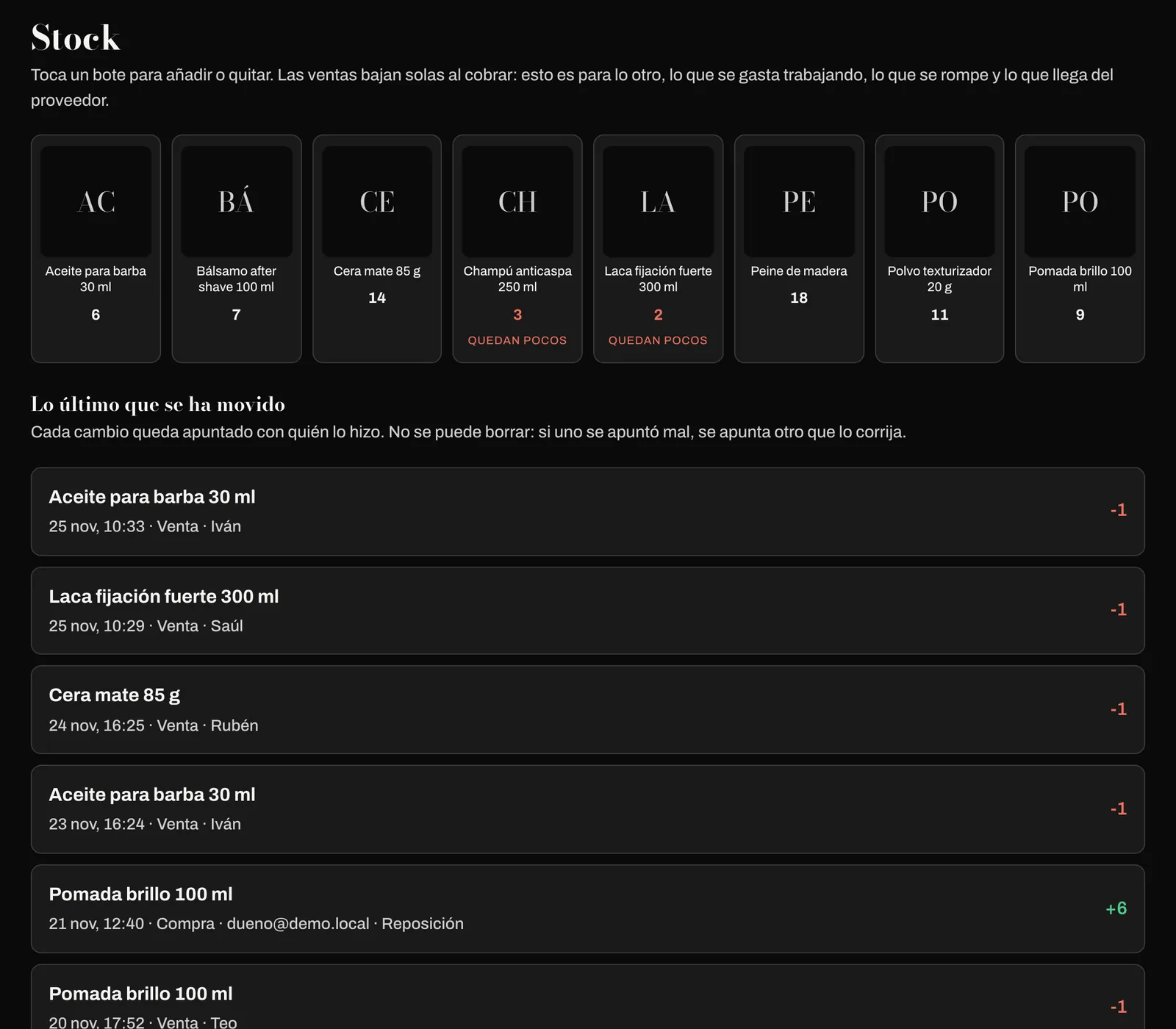
03 Stock
Stock levels for each product, flagged when running low. Sales deduct automatically; anything else is logged with a reason and who did it.
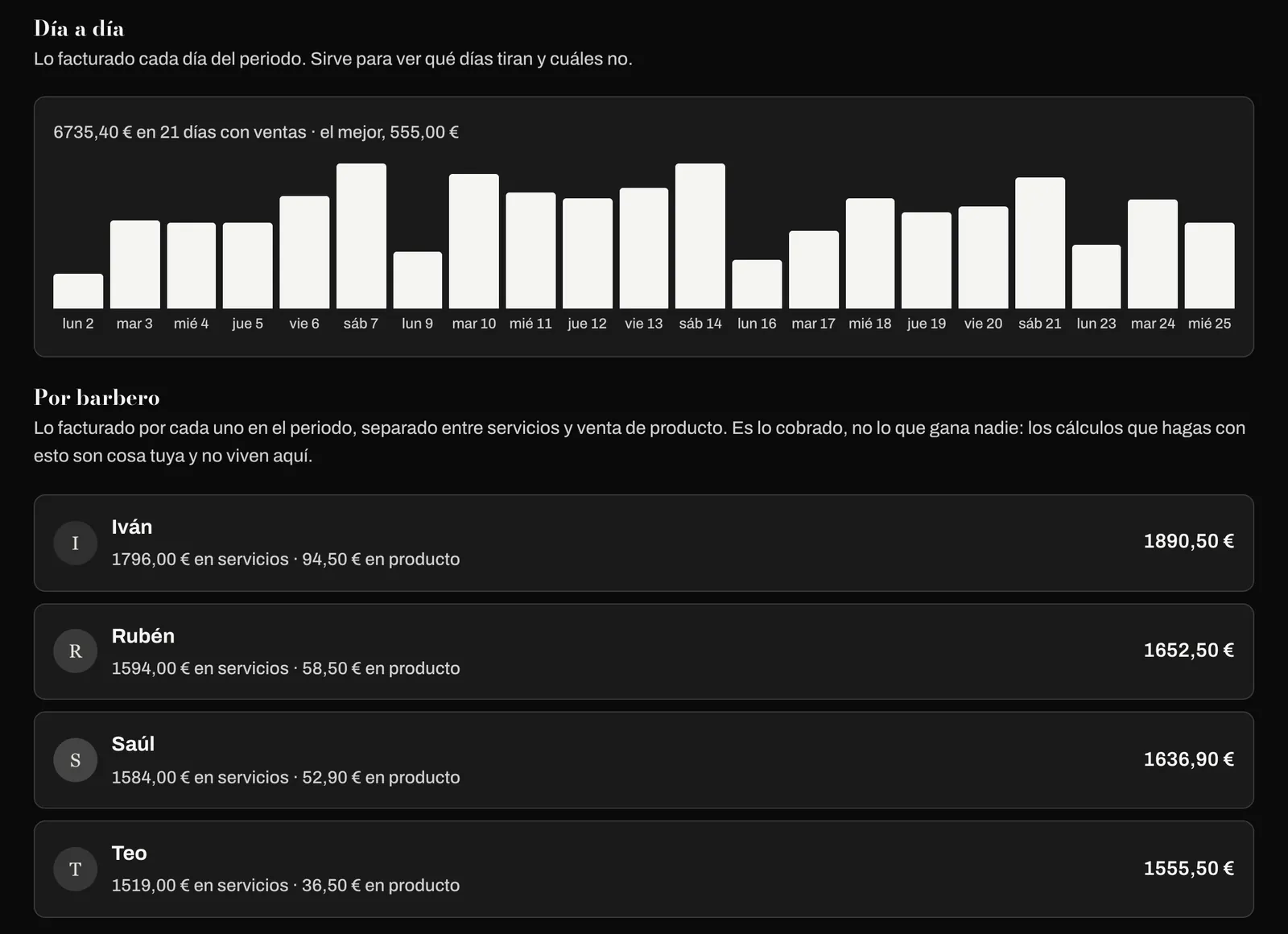
04 Reports
Takings day by day and by barber, with services and product sales shown separately.
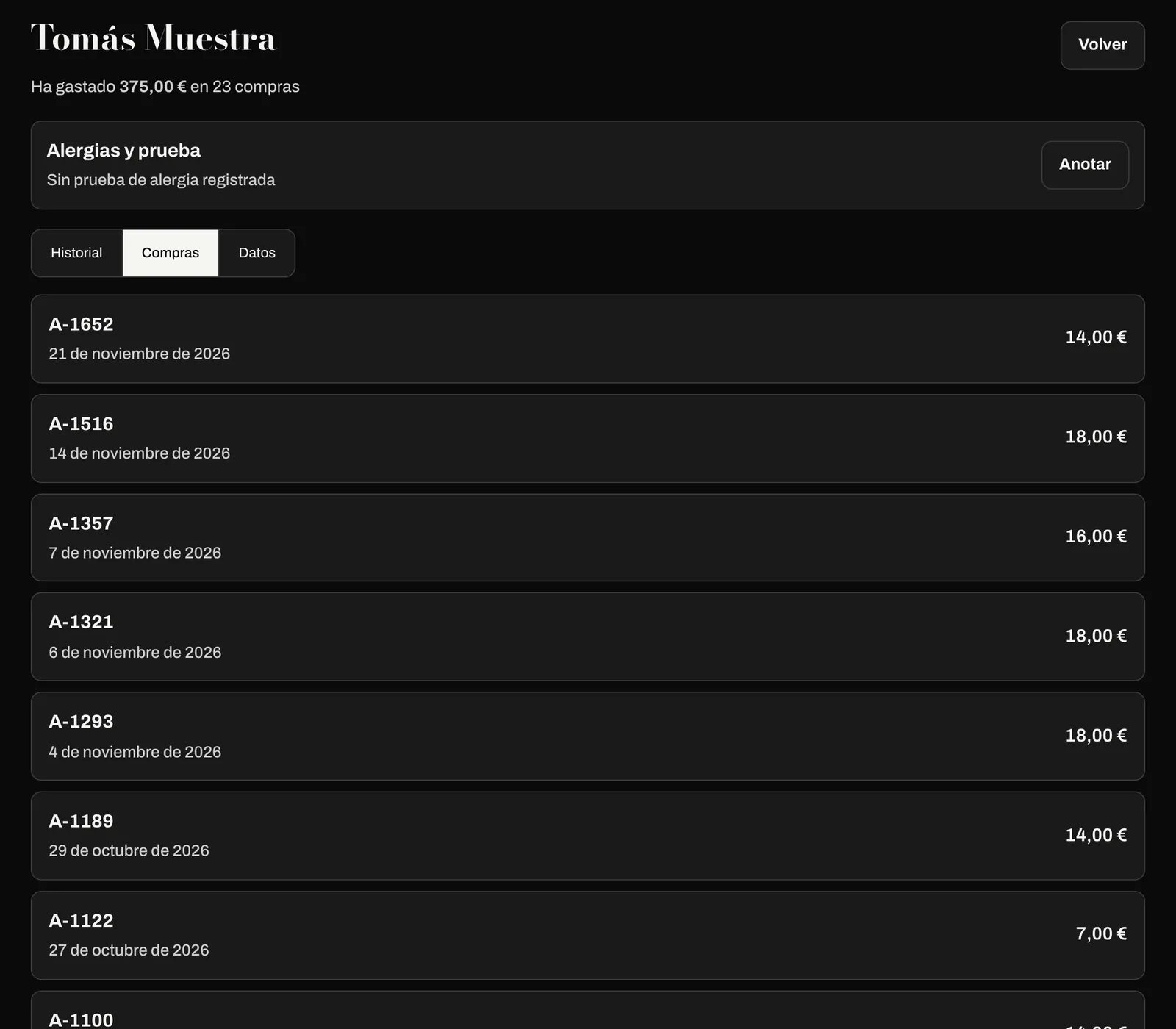
05 Customers
Each customer's record, with their purchase history and notes.
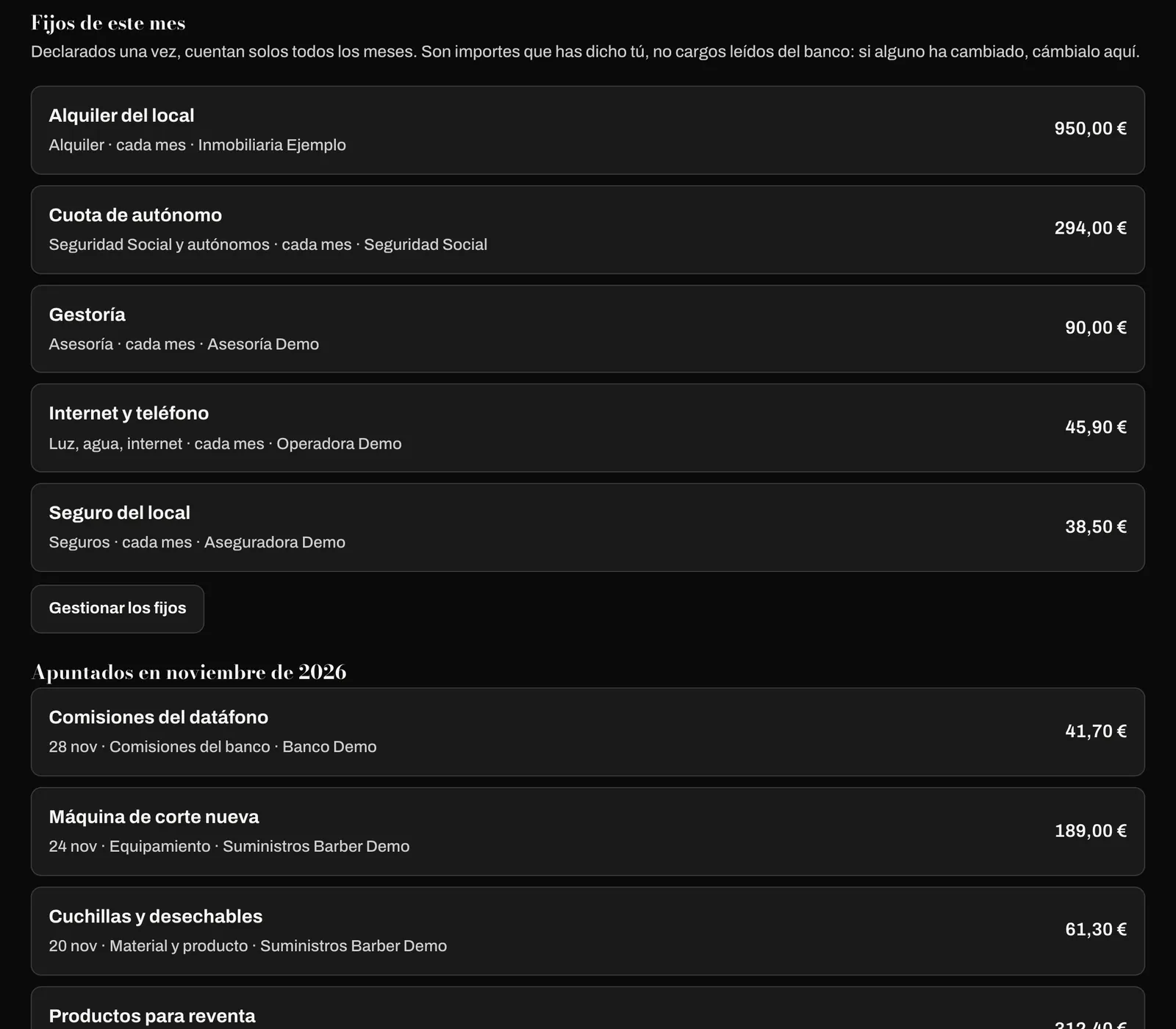
06 Expenses
Fixed costs, which count automatically each month, and the expenses logged as they come, by category and supplier.
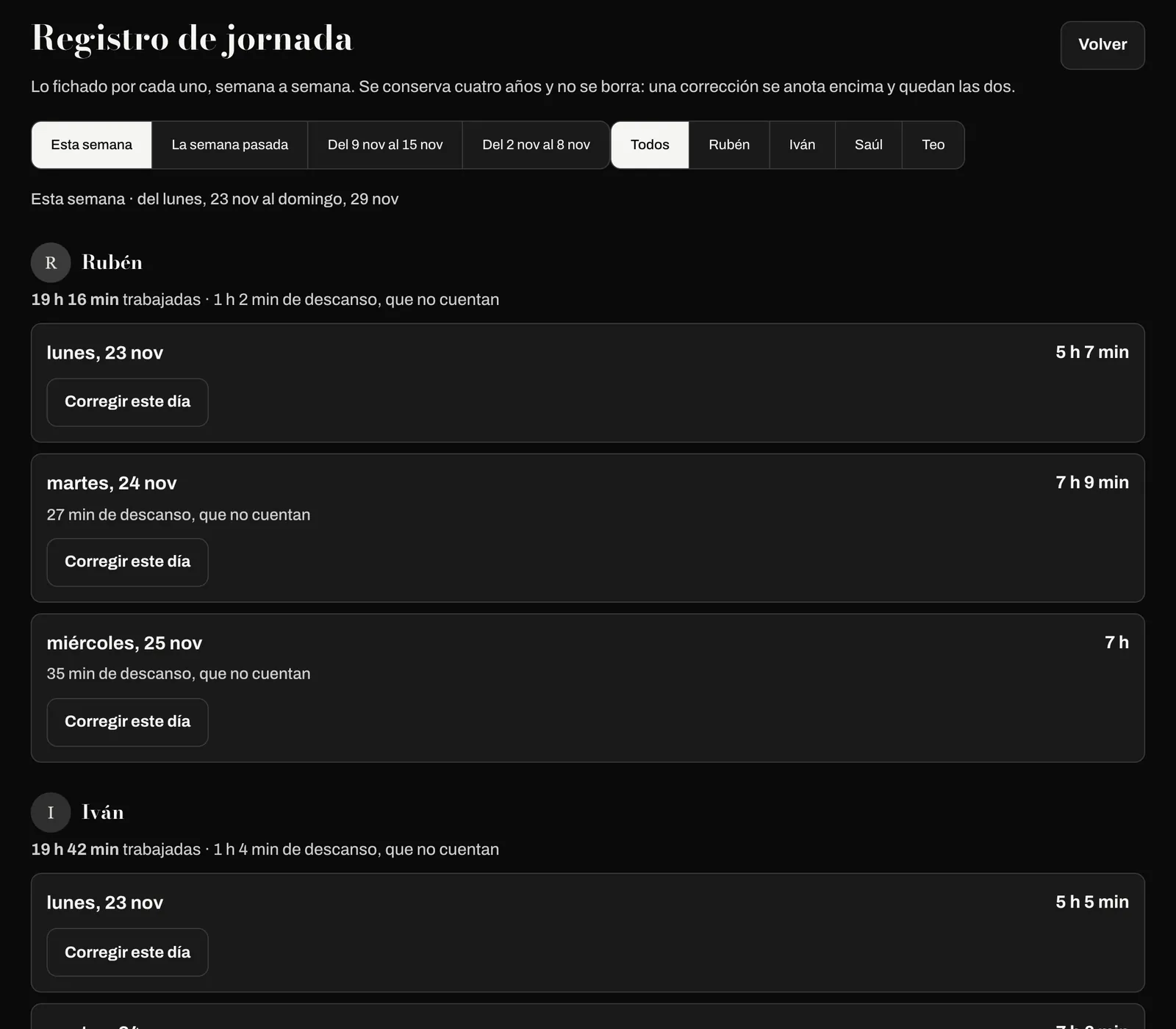
07 Working-hours record
Each person's clock-ins, week by week. A correction is added on top and never deletes anything; it exports to PDF and CSV.
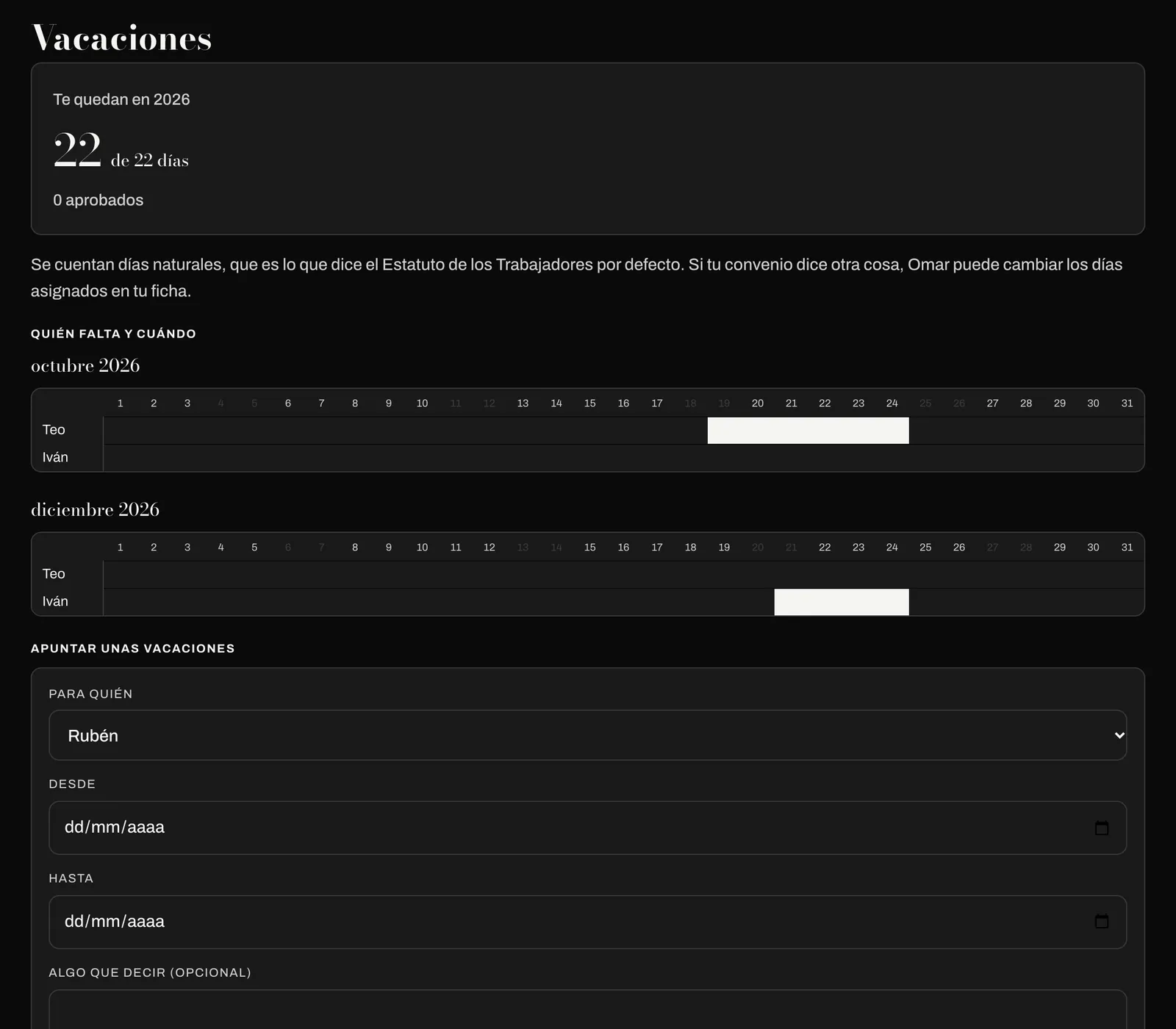
08 Holidays
The days each person has left and a calendar of who's off and when.
On a phone
The panel works on a phone too, with the everyday screens close at hand in the bottom bar.
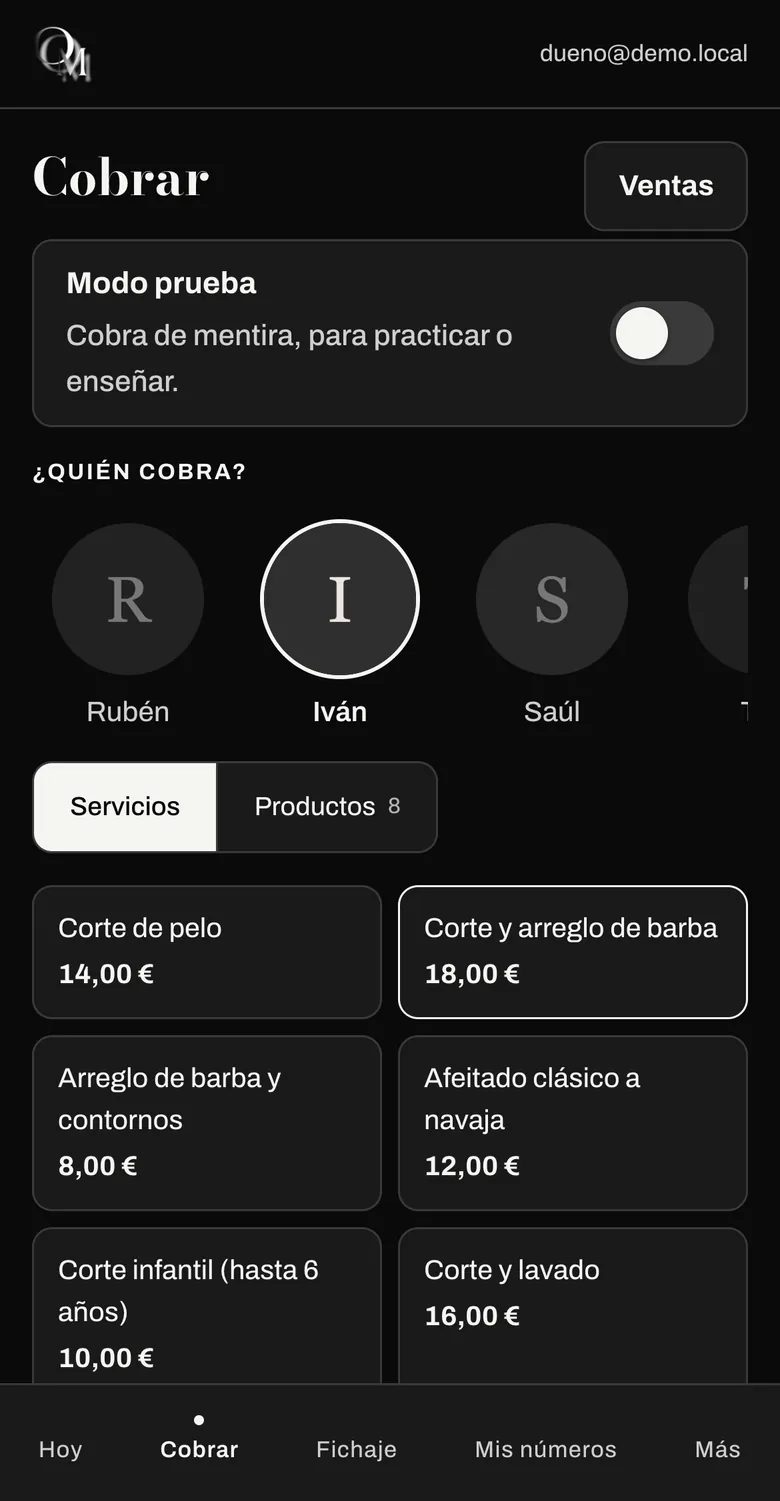
Taking payment. 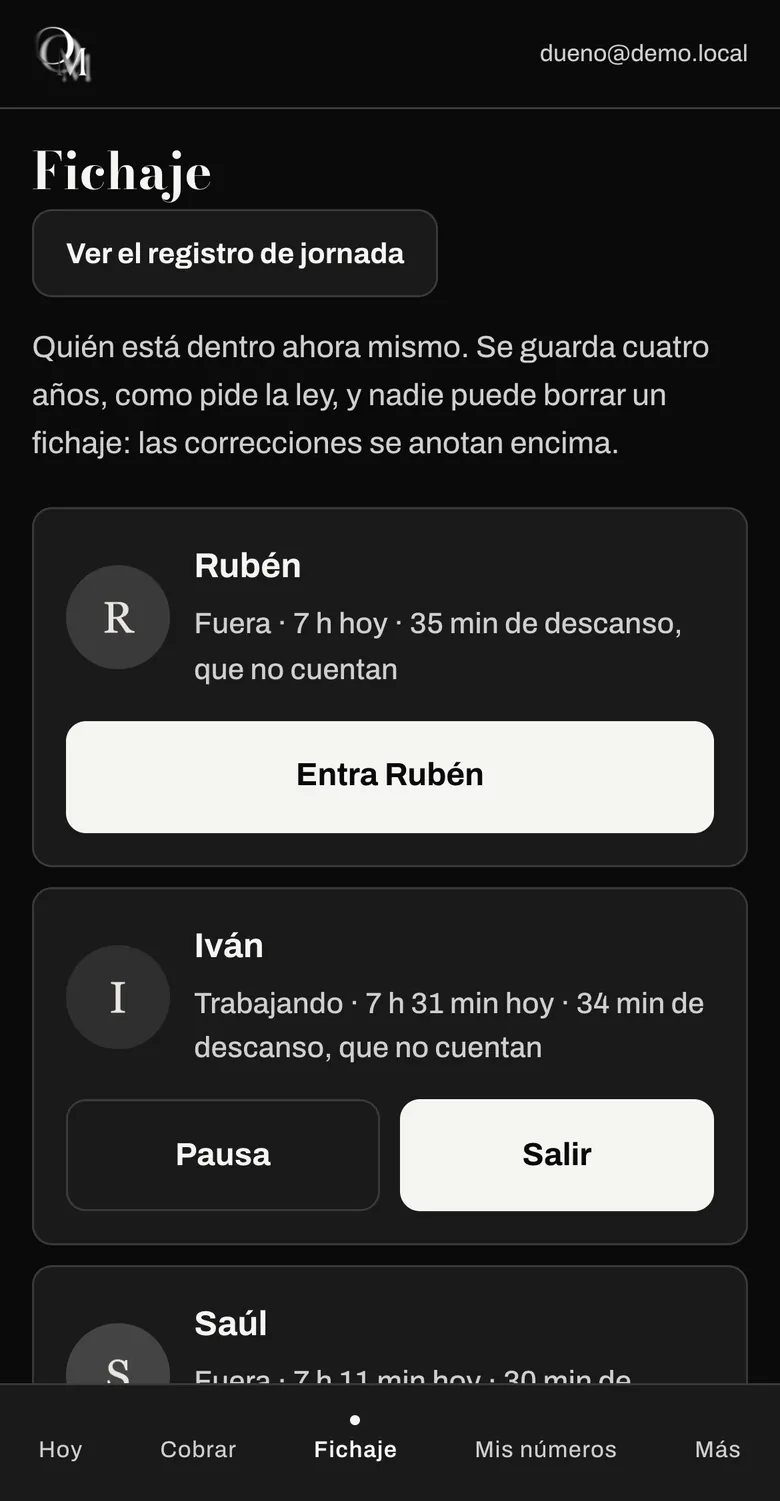
Clock-in. 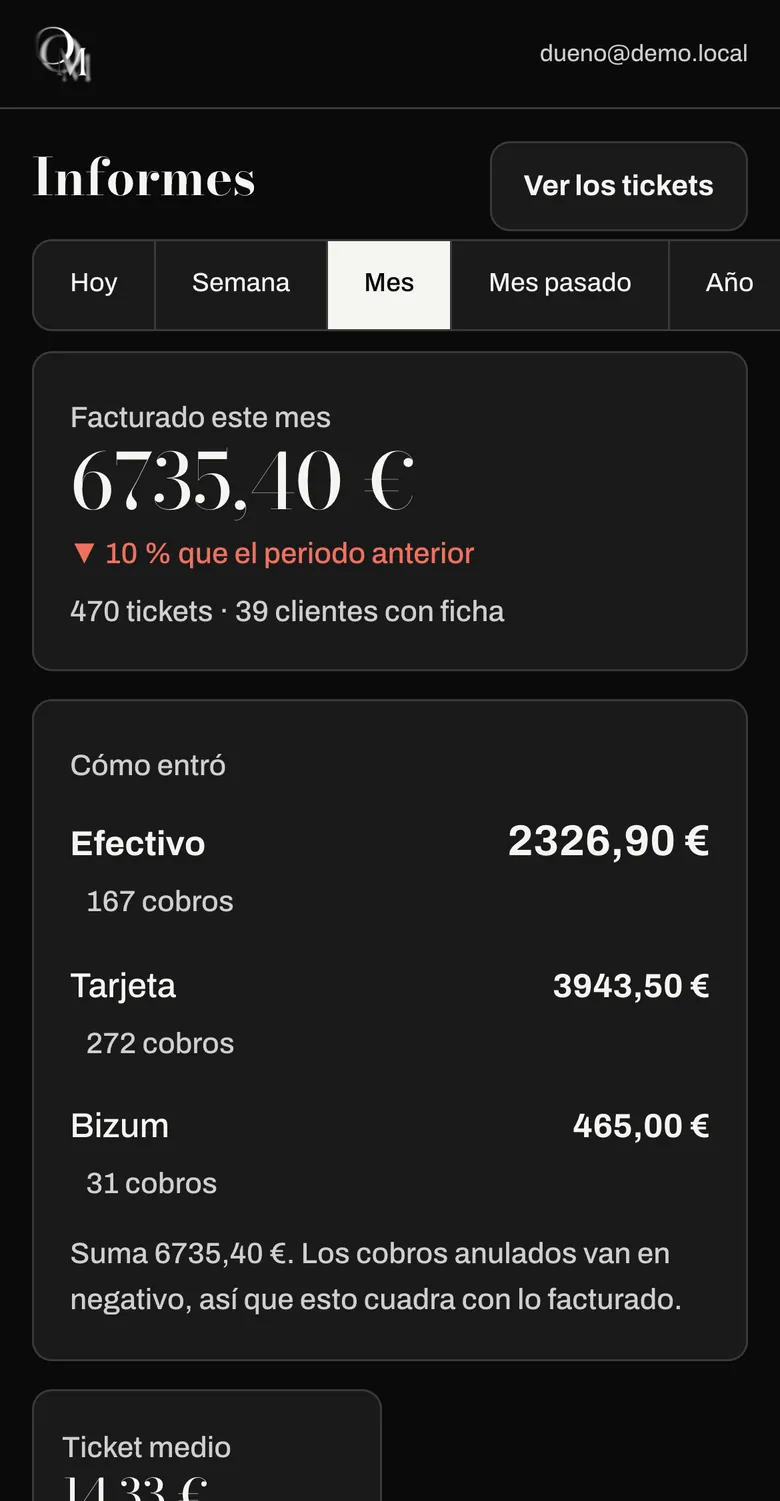
Reports.
The website
These screenshots are of the live public website, which is in Spanish.